How to Create Viral AI Reels Using Instagram’s Built-in AI Tools
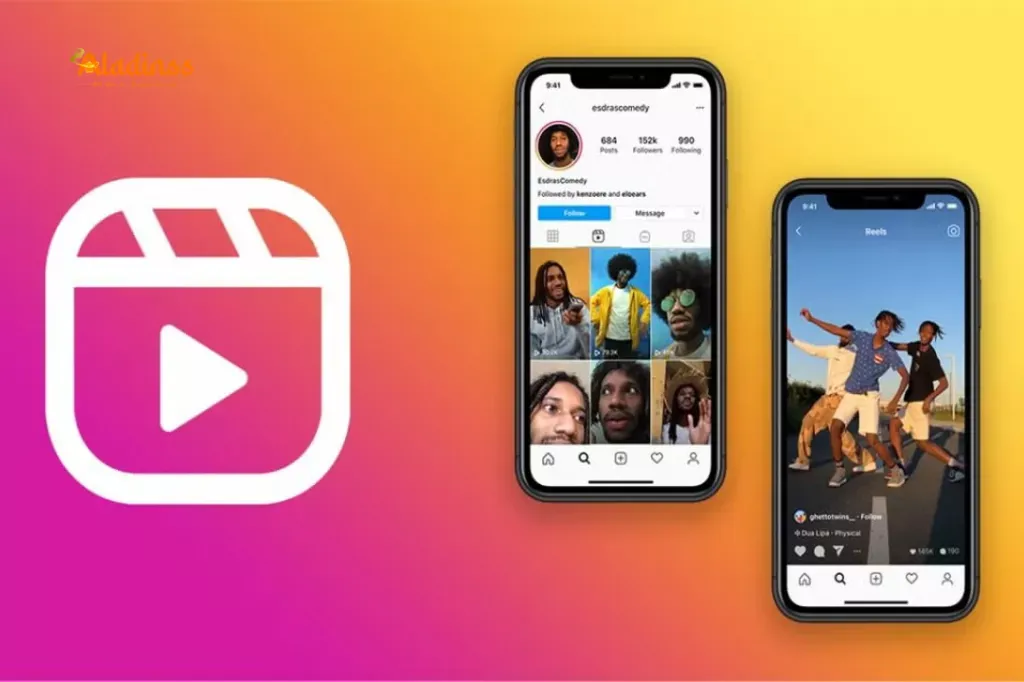
Viral AI Reels with Instagram's Built-in Tools
How to Create Viral AI Reels Using Instagram’s Built-in AI Tools
Published on: 16-May-2025 | By Team Aladinss
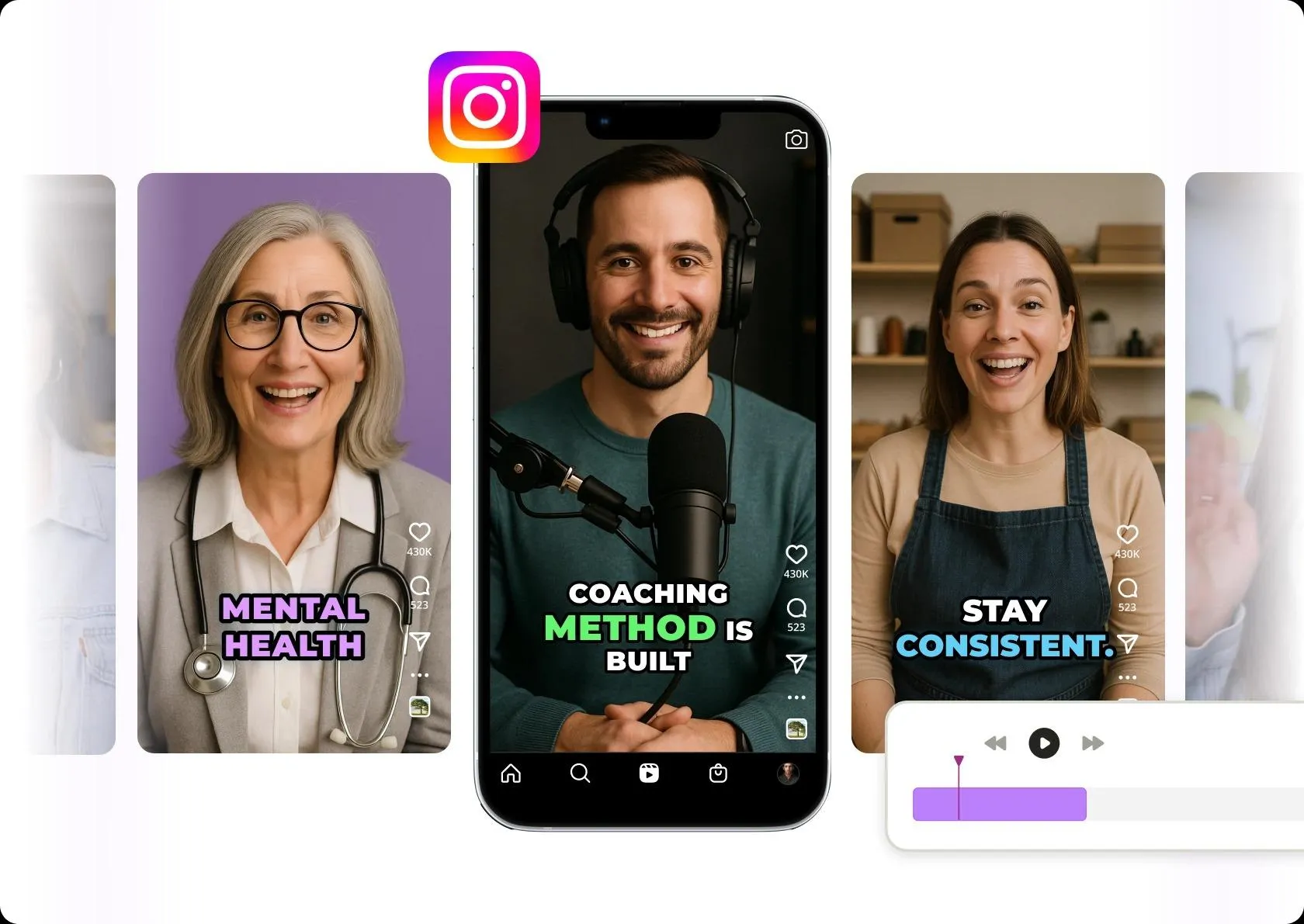
Instagram has become the go-to platform for short-form videos, and with the launch of its built-in AI tools, creating viral reels has never been easier. Whether you’re an influencer, a small business owner, or just someone who loves sharing creative videos, Instagram’s AI features help you produce high-quality, engaging content with minimal effort. From smart editing to automatic music syncing, AI is redefining the way content is created and consumed on social media.
What Are Instagram’s AI Reels Tools?
Instagram now integrates artificial intelligence to assist users in reel creation. These tools analyze video content, recommend edits, suggest trending music, and even apply smart captions—all within the app. With the recent update, you can:
- Auto-generate video edits based on your footage
- Add AI-suggested music that matches the beat and tone
- Get personalized filter and theme suggestions
- Use AI-generated captions and voiceovers
Step-by-Step Guide to Create AI-Powered Reels
- Open Instagram and Go to Reels: Tap the "+" button and choose "Reel" to begin.
- Select or Record a Video: Choose footage from your gallery or record on the spot.
- Tap the Magic Wand (AI Tools): Instagram’s AI will analyze your video and suggest quick edits, cuts, and visual effects.
- Add Smart Music: Use the "Auto Music" feature to let AI suggest trending songs that match your reel's rhythm.
- Use AI Voiceovers or Captions: Add automatic captions or AI-narrated voiceovers for accessibility and engagement.
- Preview and Publish: Once satisfied, preview the reel and post it with hashtags and location tags for discoverability.
Tips to Make Your AI Reels Go Viral
- Keep it short: Optimal reel length is 7-15 seconds for maximum engagement.
- Hook in the first 3 seconds: Start with an eye-catching action or text.
- Use trending sounds: Let AI pick from the latest viral audio clips.
- Consistency matters: Post regularly and engage with your audience.
- Include a call to action: Ask viewers to like, share, or follow.
Why Use Instagram AI Tools for Reels?
Instagram's AI tools are a game-changer for content creators who want professional-level results without technical expertise. The AI engine enhances video editing by saving time and improving engagement. You can now create polished, high-quality reels that cater to your followers’ interests using data-driven suggestions and personalization.
FAQs
Q: Are Instagram AI tools free to use?
Yes, all AI reel tools are built into the Instagram app and free for all users.
Q: Do I need a professional account?
No, both personal and business accounts can access AI tools.
Q: Can I disable AI suggestions?
Yes, you can choose to edit manually if you prefer full creative control.
Conclusion
Instagram’s new AI tools offer a creative shortcut to viral success. Whether you’re looking to entertain, educate, or promote, these smart features simplify the content creation process and help you stand out in a crowded digital space. Start experimenting with these tools today and watch your engagement grow with every reel.
Facebook Comments






-
 Explore the upcoming Tamil film Maaman - cast, sto...
 -
 Read the ACE (2025) movie review starring Vijay Se...
 -
 Check out Maaman's 1st day box office collection a...
 -
 Explore tourist family reviews for Maaman movie –...
Popular Posts
Vote / Poll
Recent Posts



Recommended Posts

-
 Discover the best schools in Nagercoil f...
 -
 Discover the top-rated preschools in Nag...
 -
 Explore the best schools in Nagercoil th...

Comment / Reply From